

Desktop app
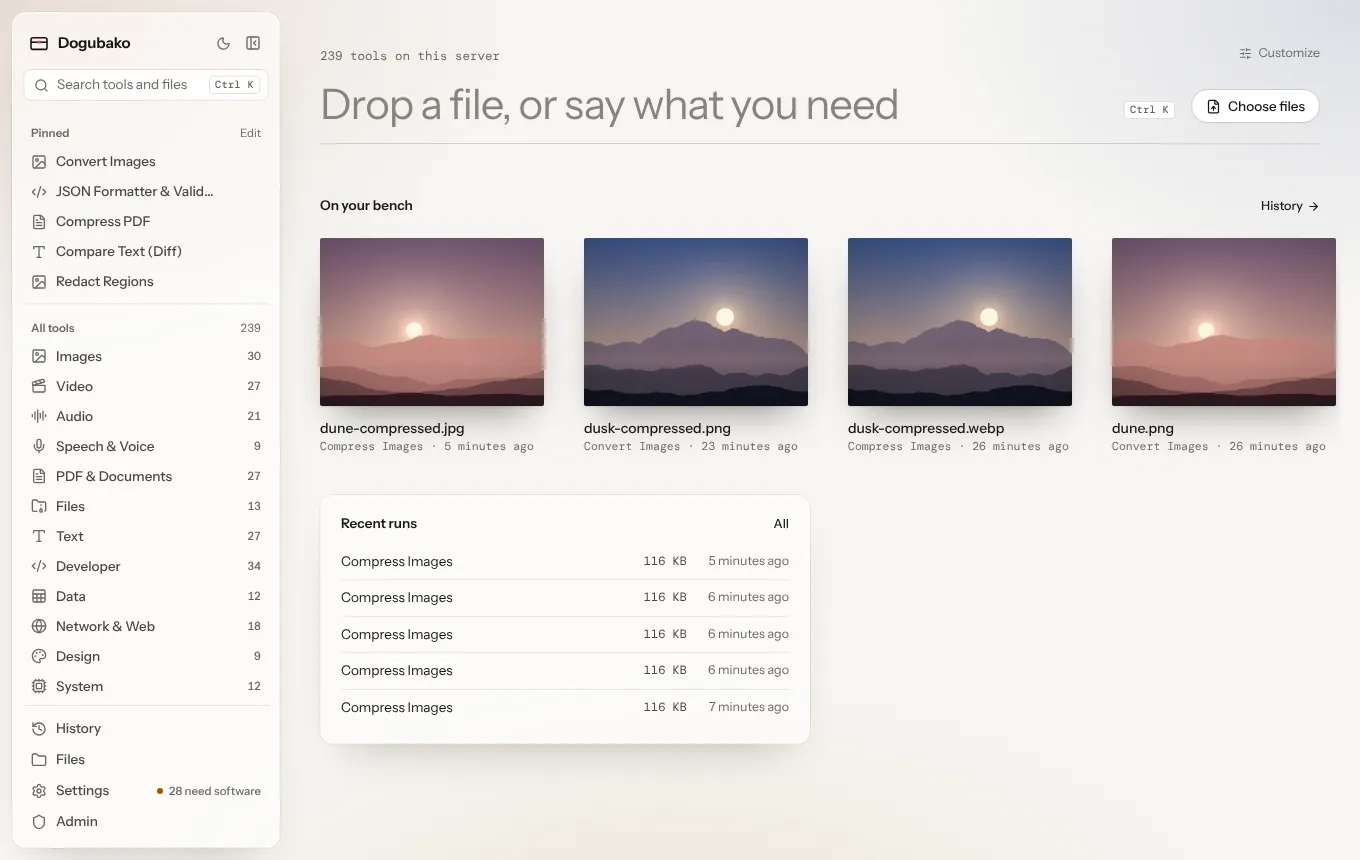
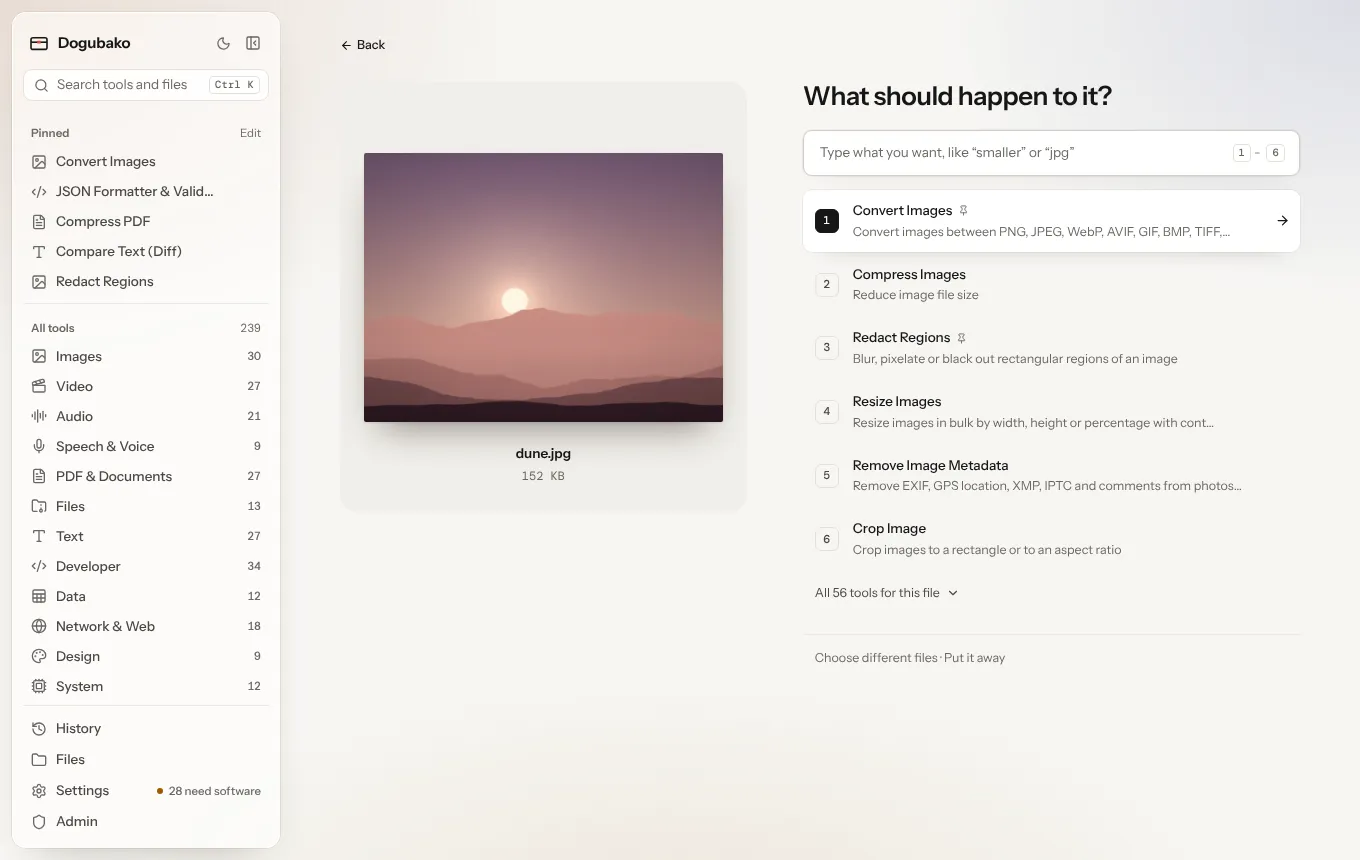
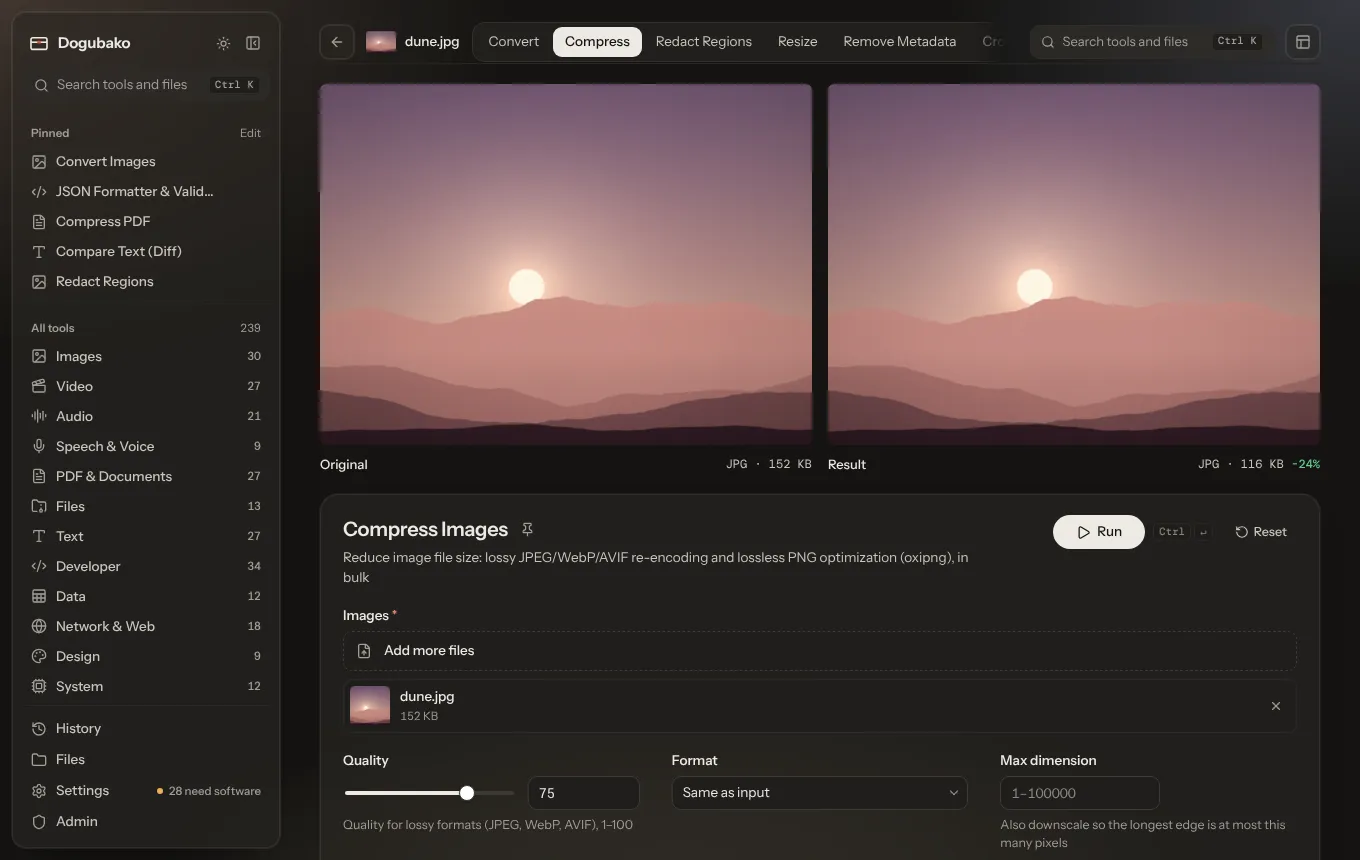
A native app for macOS (Apple silicon) with the common engines built in. Drop a file in, pick what should happen, done. No account, no server, no telemetry.


Desktop app
A native app for macOS (Apple silicon) with the common engines built in. Drop a file in, pick what should happen, done. No account, no server, no telemetry.
Self-hosted web app
Run one server at home or on a VPS with all the heavy engines installed, and use it from any browser, including your phone.
Command line
Every tool is a dogubako command with typed options, piping, JSON output and meaningful exit codes.
HTTP API and MCP
Automate with a generated OpenAPI document, or give each AI agent its own scoped token and a curated set of tools.
Your files, your machine
Files are processed by the app on your computer, or by a server you run. Dogubako itself uploads nothing to anyone else.
Built on mature engines
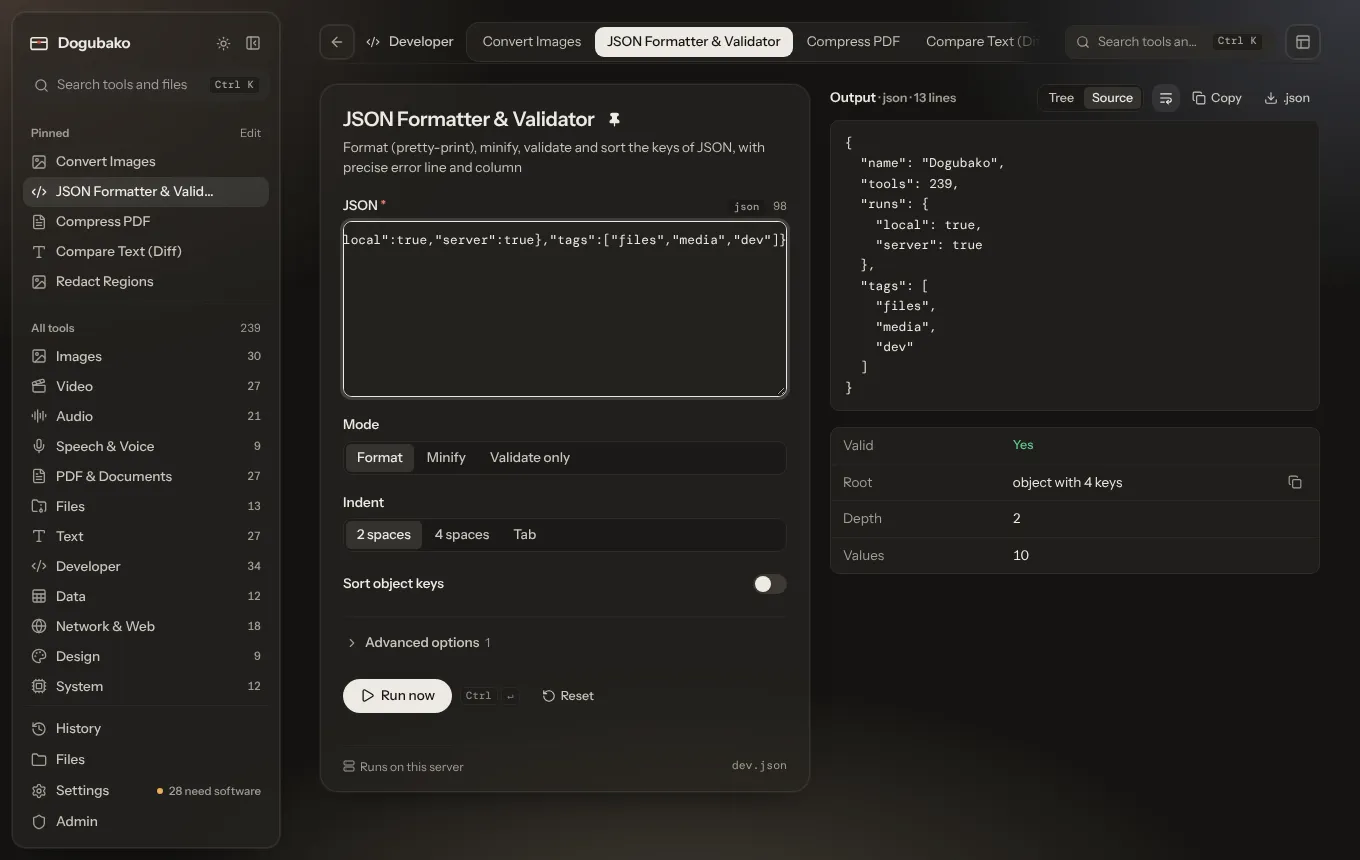
FFmpeg, ImageMagick, ExifTool, qpdf, Poppler, Ghostscript, Tesseract, whisper.cpp and more, managed for you by the app, plus fast native Rust tools for everything that doesn’t need them.
One implementation
Each tool is described once. The app, CLI, API, OpenAPI schema and MCP tools are all generated from that description and run through the same engine.
Secure by construction
No shell is ever used, external programs run with time and resource limits, files are owner-checked and network tools are SSRF-guarded.